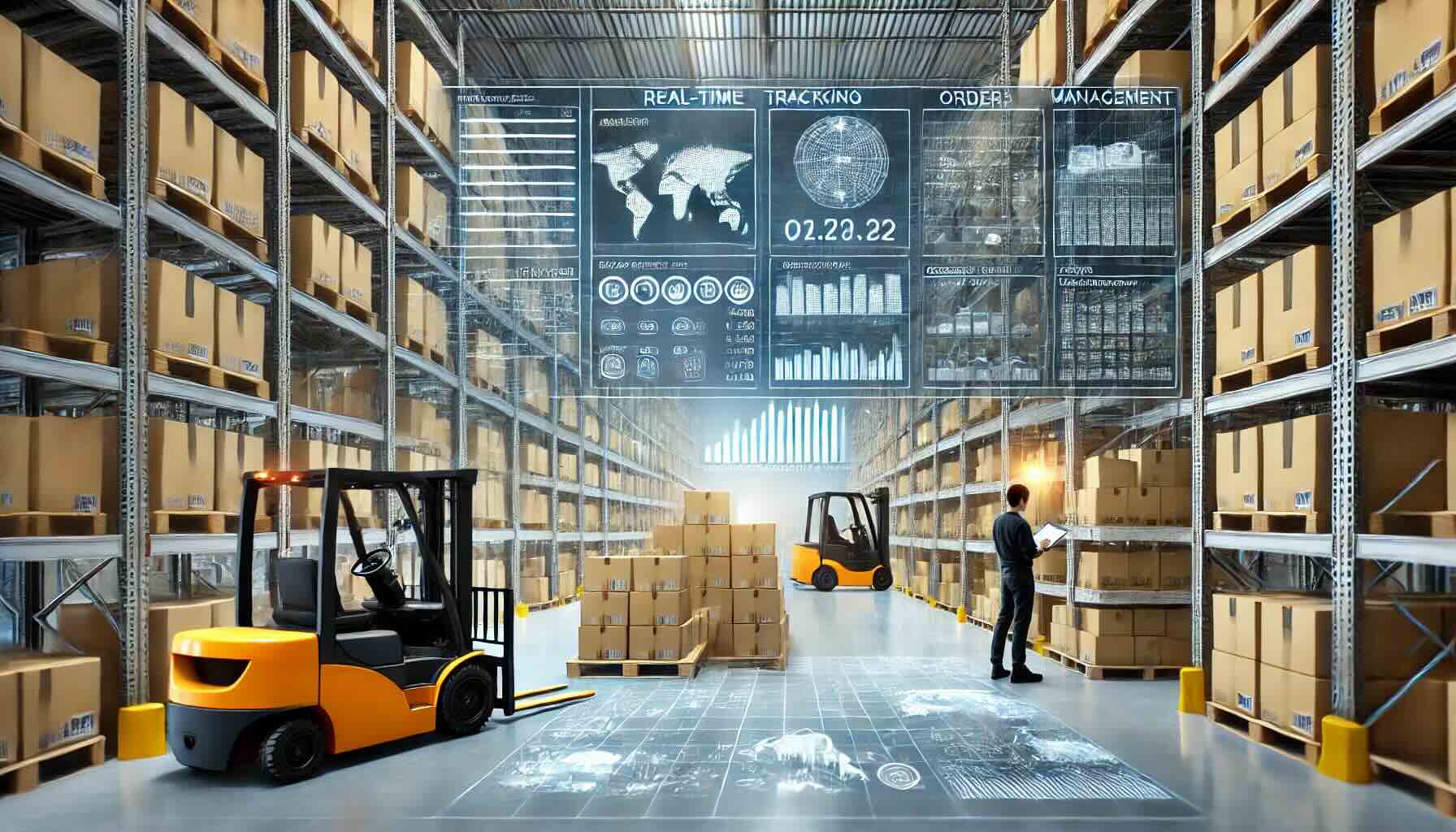
The Ultimate Guide to Different Types of ERP Systems
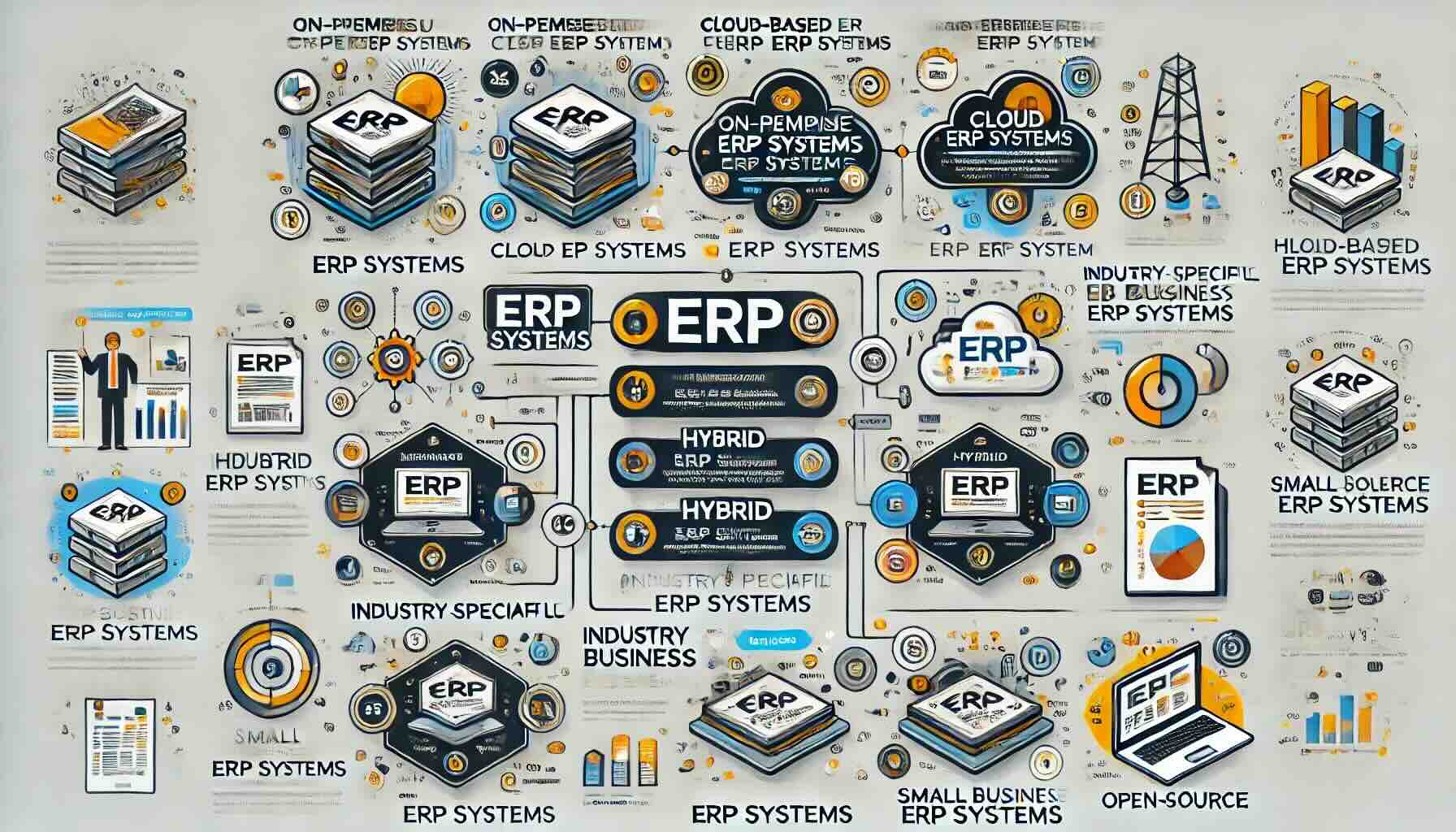
Enterprise Resource Planning (ERP) systems are essential tools for businesses looking to streamline their operations, improve productivity, and enhance decision-making. With various types of ERP systems available, choosing the right one can significantly impact your business efficiency. In this blog, we’ll explore the different types of ERP systems, helping you make an informed decision for your organization.
What is an ERP System?
Before diving into the types, it’s crucial to understand what an ERP system is. An ERP system integrates various business processes into a single unified system, facilitating the flow of information across all departments. This integration helps in automating and managing back-office functions, ranging from finance and human resources to supply chain and manufacturing.
Types of ERP Systems
There are several types of ERP systems, each catering to different business needs and sizes. Let’s explore the main categories:
1. On-Premise ERP Systems
On-premise ERP systems are installed locally on your company’s hardware and servers. They offer a high degree of control and customization but require significant upfront investment and ongoing maintenance.
Pros:
- Greater Control Over Data Security: As the data is stored on local servers, businesses have full control over their data security measures and can implement their own protocols.
- High Customization Potential: These systems can be extensively customized to meet specific business needs, allowing for a tailored fit that aligns with unique processes and requirements.
- No Dependence on Internet Connectivity: Operations can continue even if there is no internet access, ensuring uninterrupted workflow in scenarios where internet connectivity is an issue.
Cons:
- High Initial Cost: The upfront investment for hardware, software, and implementation is substantial, which can be a significant barrier for small to medium-sized businesses.
- Requires In-House IT Expertise: Maintenance, updates, and troubleshooting require a skilled IT team, which adds to the ongoing operational costs.
- Maintenance and Updates Responsibility: The company is responsible for all system maintenance and updates, which can be time-consuming and require additional resources.
2. Cloud-Based ERP Systems
Cloud-based ERP systems, also known as SaaS (Software as a Service) ERPs, are hosted on the vendor’s servers and accessed via the internet. These systems are known for their scalability and lower upfront costs.
Pros:
- Lower Initial Investment: The costs are typically spread out as a subscription model, reducing the need for a large initial expenditure.
- Easy Scalability: Cloud-based systems can easily scale up or down according to the business needs, making them suitable for growing companies.
- Vendor-Managed Maintenance and Updates: The vendor handles all maintenance and updates, ensuring the system is always up-to-date without requiring in-house resources.
Cons:
- Dependence on Internet Connectivity: An internet outage can disrupt access to the ERP system, potentially halting business operations.
- Less Control Over Data Security: Data is stored on the vendor’s servers, which might raise concerns regarding data privacy and security.
- Customization Limitations: While cloud ERPs offer some level of customization, they may not be as flexible as on-premise solutions for businesses with very specific needs.
3. Hybrid ERP Systems
Hybrid ERP systems combine elements of both on-premise and cloud-based ERP systems. They offer flexibility, allowing businesses to maintain certain critical functions on-premise while leveraging the cloud for other processes.
Pros:
- Flexibility: Businesses can choose which processes to keep on-premise and which to migrate to the cloud, providing a balanced approach.
- Balanced Control and Cost-Effectiveness: Critical operations can remain in-house for greater control, while other functions benefit from the cost savings and scalability of the cloud.
- Gradual Transition: Companies can gradually transition to the cloud, reducing the risk and disruption associated with a full-scale migration.
Cons:
- Complexity in Management: Managing a hybrid environment can be complex and requires robust integration to ensure seamless operation between on-premise and cloud components.
- Potential Integration Challenges: Ensuring that on-premise and cloud systems work together seamlessly can present technical challenges and may require additional resources.
- Ongoing IT Resource Needs: While some functions are moved to the cloud, maintaining on-premise components still requires in-house IT expertise.
4. Industry-Specific ERP Systems
Industry-specific ERP systems are tailored to meet the unique needs of particular industries, such as manufacturing, retail, healthcare, or construction. These systems come with pre-configured modules designed to handle industry-specific processes.
Pros:
- Tailored to Industry Needs: These systems include features and functionalities specifically designed for the unique requirements of an industry, improving operational efficiency.
- Faster Implementation: Pre-configured modules mean quicker deployment and reduced customization time, allowing businesses to benefit from the ERP system sooner.
- Industry-Relevant Features: Businesses gain access to industry-specific best practices and functionalities, enhancing productivity and compliance.
Cons:
- Limited Flexibility: Customization options may be limited, making it challenging for businesses with unique processes outside the standard industry practices.
- Higher Costs: Specialization often comes with a higher price tag, which can be a significant investment for smaller businesses.
- Narrow Applicability: These systems may not be suitable if a business operates in multiple industries or has diverse operational needs.
5. Small Business ERP Systems
Small business ERP systems are designed for the unique needs of small to medium-sized enterprises (SMEs). They offer essential ERP functionalities without the complexity and cost of larger systems.
Pros:
- Affordable for Small Businesses: These systems are priced to be accessible to smaller enterprises, providing essential functionalities without breaking the budget.
- Simplified Implementation: Designed for ease of use, these systems can be implemented quickly and require minimal training.
- Scalable Solutions: As the business grows, these ERP systems can scale up to accommodate increased demands and additional users.
Cons:
- Limited Features: Compared to enterprise-level systems, small business ERPs might lack advanced features and functionalities.
- May Not Support Complex Processes: Businesses with more complex needs might find these systems inadequate, requiring more robust solutions.
- Less Customization Options: Customization capabilities are often limited, potentially restricting the ability to tailor the system to specific business processes.
6. Open-Source ERP Systems
Open-source ERP systems provide the source code to businesses, allowing them to customize the software to their specific needs. These systems are usually free to use, but they require technical expertise for implementation and maintenance.
Pros:
- No Licensing Fees: These systems are typically free to use, which can significantly reduce overall software costs.
- High Customization Potential: Businesses can modify the source code to meet their exact requirements, allowing for extensive customization.
- Community Support: Open-source ERPs often have active user communities that contribute to system improvements and provide support.
Cons:
- Requires In-House Technical Expertise: Significant technical knowledge is required for implementation, customization, and maintenance, which can be a barrier for some businesses.
- No Vendor Support: Without a dedicated vendor, businesses rely on community support, which might not be as reliable or timely as commercial support.
- Potentially Higher Long-Term Costs: While initial costs are low, ongoing maintenance, customization, and troubleshooting can result in higher long-term expenses.
Choosing the Right ERP System
Selecting the right ERP system for your business depends on several factors, including your industry, business size, budget, and specific needs. Here are a few tips to guide your decision:
- Assess Your Needs: Determine the functionalities and features essential for your business operations.
- Consider Your Budget: Evaluate the total cost of ownership, including implementation, licensing, and maintenance costs.
- Scalability: Choose a system that can grow with your business.
- Customization: Ensure the ERP system can be tailored to your specific requirements.
- Vendor Support: Look for reliable vendor support and community resources.
Conclusion
Understanding the types of ERP systems is crucial for making an informed decision that aligns with your business goals. Whether you opt for an on-premise, cloud-based, hybrid, industry-specific, small business, or open-source ERP system, the right choice will help you streamline operations, enhance productivity, and drive growth. Evaluate your options carefully and choose the ERP system that best fits your business needs.
To compare 100’s of ERP solutions, you can use our new AI-powered Compare ERP tool. It’s free to use and you get a guaranteed discount on your first year’s licence fees with a referral from Compare ERP.